

Vine 3 C2


Vine 3 C2 | Click a thumbnail to view it larger
Looking for the Vine C1? The Connect 2 is now the replacement for the Vine C1 bookreader.
Bookshelf
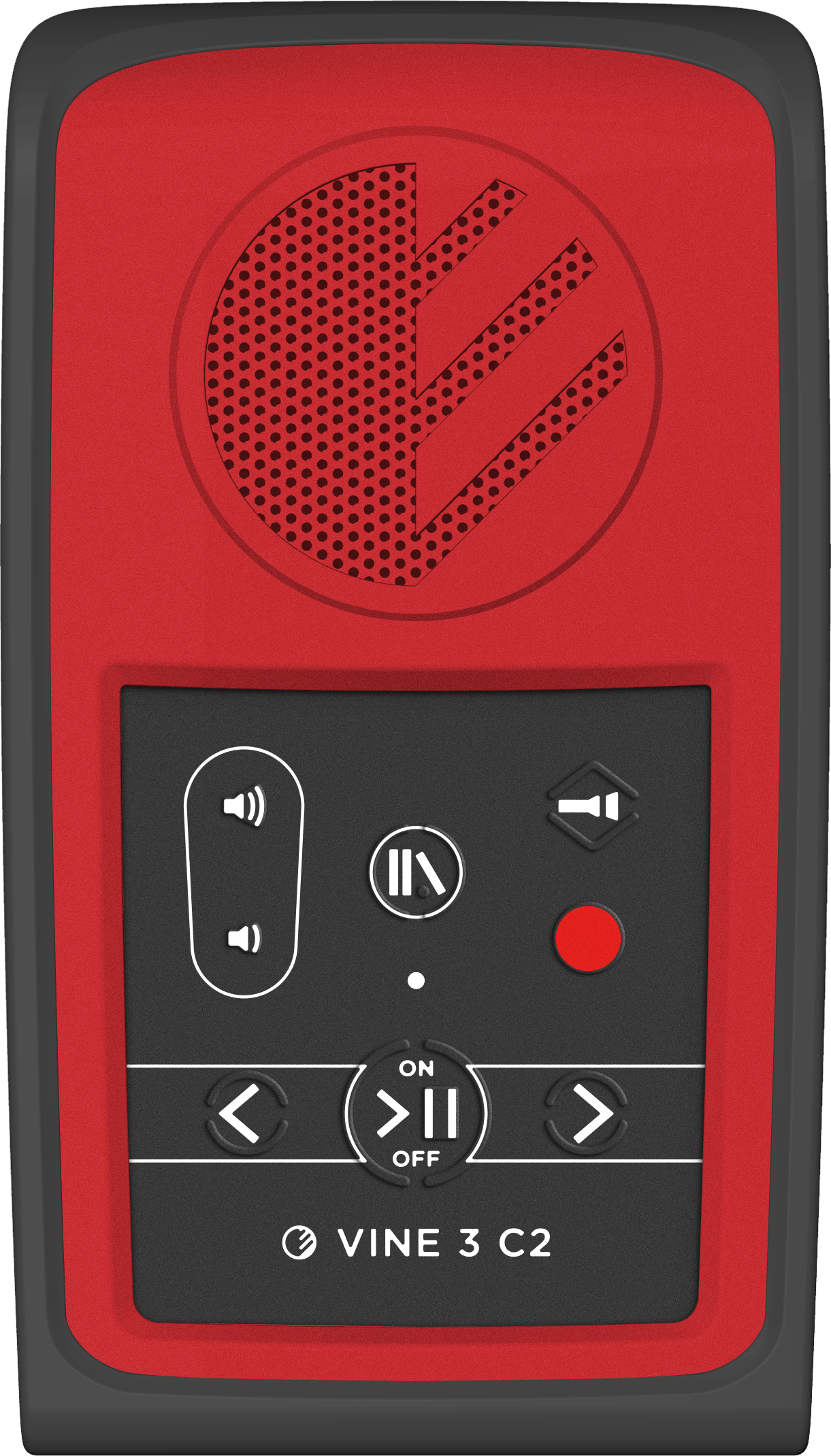
Save your favorite audiobooks on the player’s bookshelf and read anywhere.
Memo Recorder
Record notes, messages and reminders with the built-in microphone.
LED Flashlight
A built-in LED flashlight is always at hand when you need extra light.
Accessible
Raised, intuitive navigation buttons and audible feedback for every function.
Go Anywhere
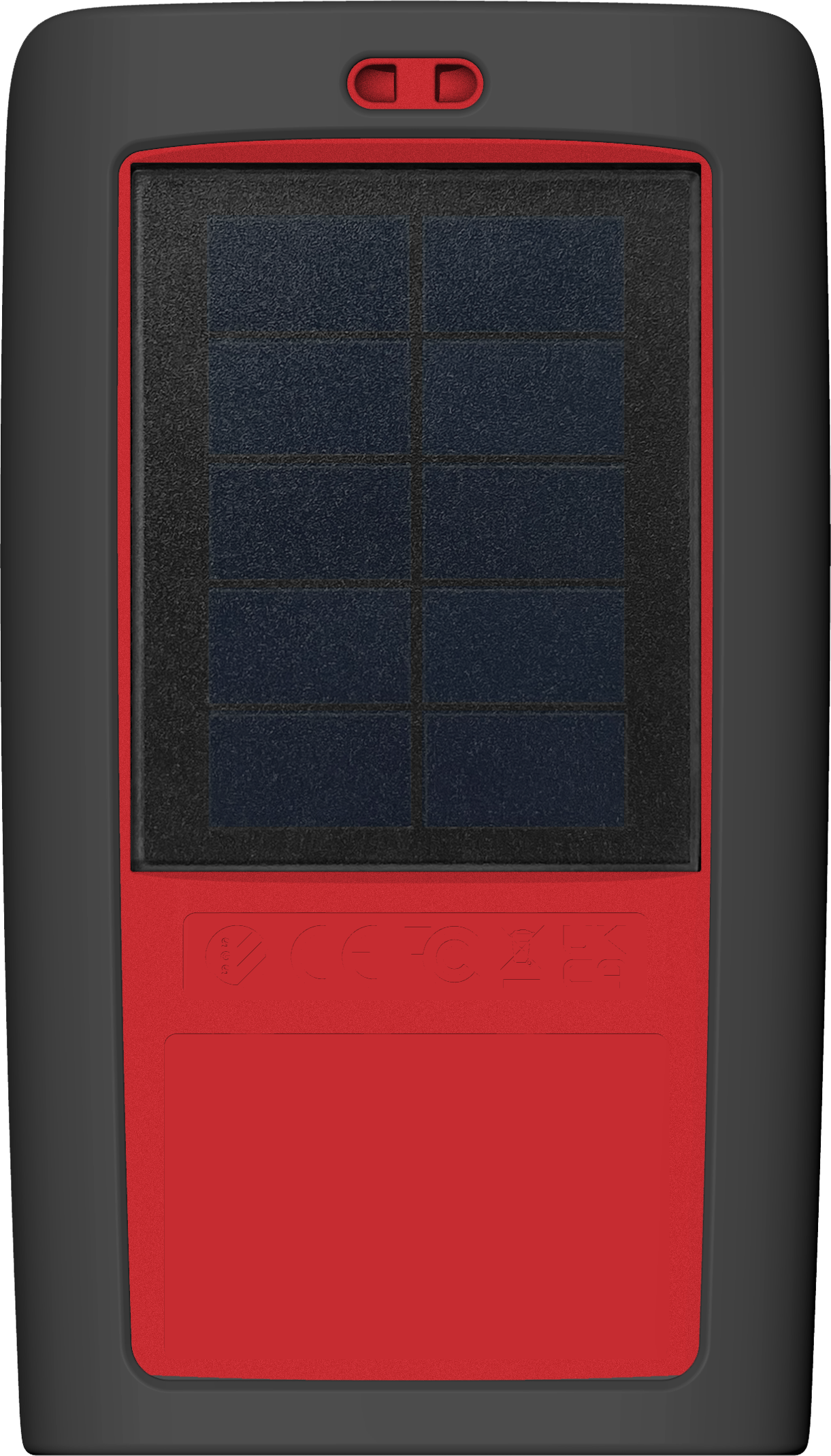
True mobility is possible thanks to the built-in solar panel and rechargeable battery.
Simple to Use
Suits both young and old, for recreation, education or everyday information – all at the press of a button.
Specifications
- Solar powered accessible audio player
- Bookshelf function
- Memo recorder with built-in microphone
- LED flashlight
- Audio bookmarking
- Audible user feedback for all functions
- Intuitive navigation keypad with raised buttons
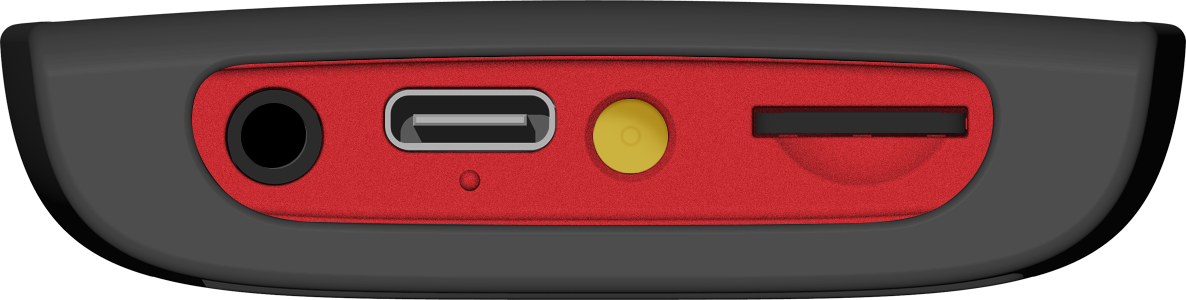
- MicroSD card reader for expanded memory
- 8GB internal memory: Up to 1,6001 hours of tamperproof content
- Stereo high-fidelity, CD-quality capable when audio is recorded to highest technical standards
- Onboard speaker for personal or small group listening
- 3.5mm audio port for earbuds, headphones, a Bluetooth transmitter, or an external speaker to boost audio levels for larger group listening
- Charge internal Li-Ion battery via solar panel, computer, or power supply
- Connect to a computer to load audio files via USB-C port using the included data cable
- Up to 999 publications, each with up to 999 sections
- Supported audio formats: Opus, MP3, WAV
- We can load audio content to any number of players required
- Enhanced water resistance
- Durable, shock-resistant body
1Higher quality audio uses more storage space.
Battery
- Rechargeable Lithium-Ion battery
- Recharges via solar panel, computer, or USB-C power supply
Charging
With proper care, the player’s Lithium-Ion battery should perform well for several years. When shipped, the battery is only partially charged. You can easily charge the player using one of the methods below:
External Power Supply
For fastest charge, connect any standard USB charger (regulated 5VDC) to the USB-C port on the player for about 2 hours.
Computer
Plug the player into any standard computer USB port using a “USB to USB-C” cable for about 3 hours. Any regular or charge-only cable is sufficient.
Solar Panel
For solar charging, place the player with the solar panel directly facing sunlight for 8 hours or more.
Many factors influence typical battery playtime, charge retention and life. All times listed are best-case estimates based upon use under normal conditions.
Loading Books onto the Vine 3 C2
BookSync
Our free app for adding audiobooks, music, DAISY books and text-to-speech documents to your Vine 3 C2.
Request a free license »
DAISY Pipeline
Free tools from the DAISY Consortium for creating and loading DAISY books.
DAISY guidance for Vine players »
Copy Tools
Simply copying audio files (Opus, MP3, WAV)? Try SGSCopy, TeraCopy, FastCopy or UltraCopier.
Downloads
Current
Vine 3 C2 – User Manual
PDF // 2.5MB
Vine 3 C2 – User Manual (Accordion)
PDF // 2.8MB
Vine 3 C2 – Quick Start Guide
PDF // 477KB
Language Packs
Before downloading, clear your browser’s cache to make sure you get the latest version.
For step-by-step instructions, search online for “clear cache” along with your browser name (e.g., “Chrome” or “Safari”).